Translate PDF to Chinese (Simplified), Free, Layout Kept
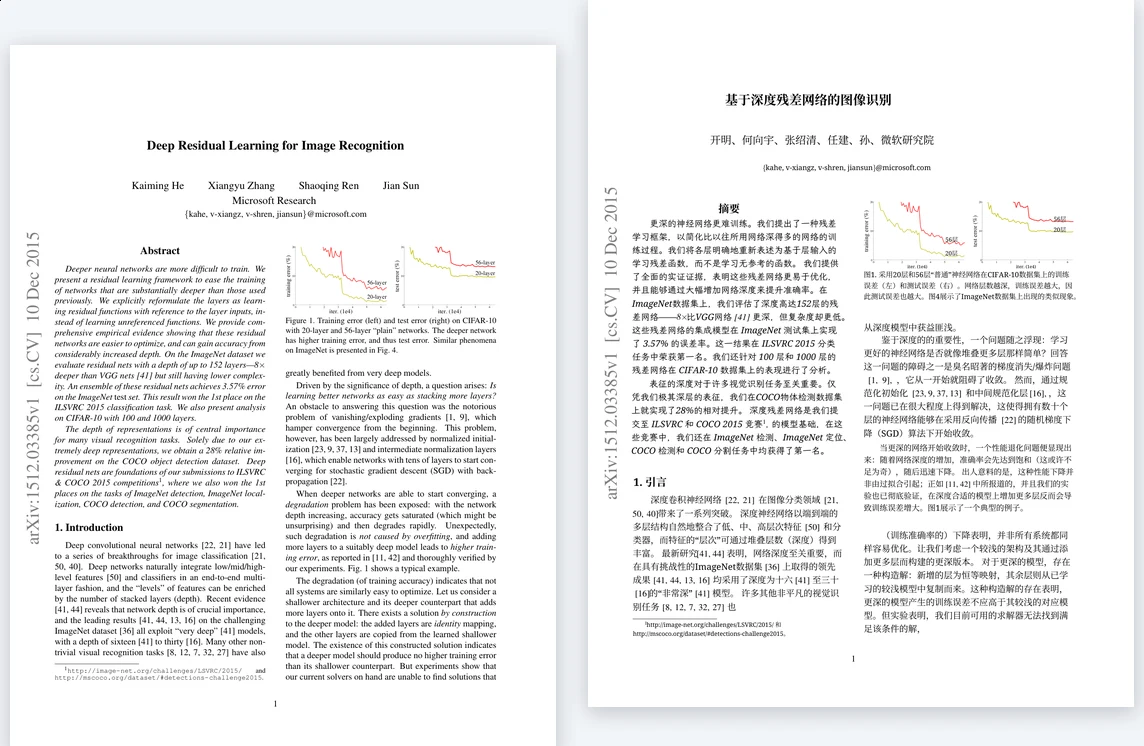
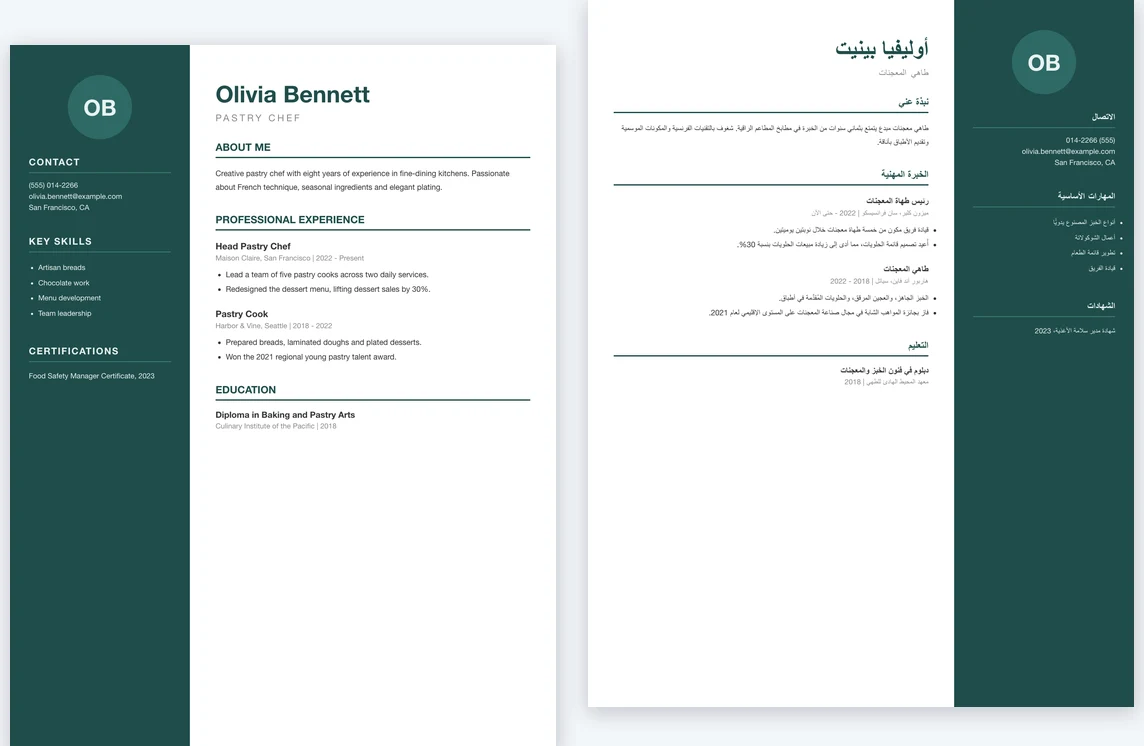
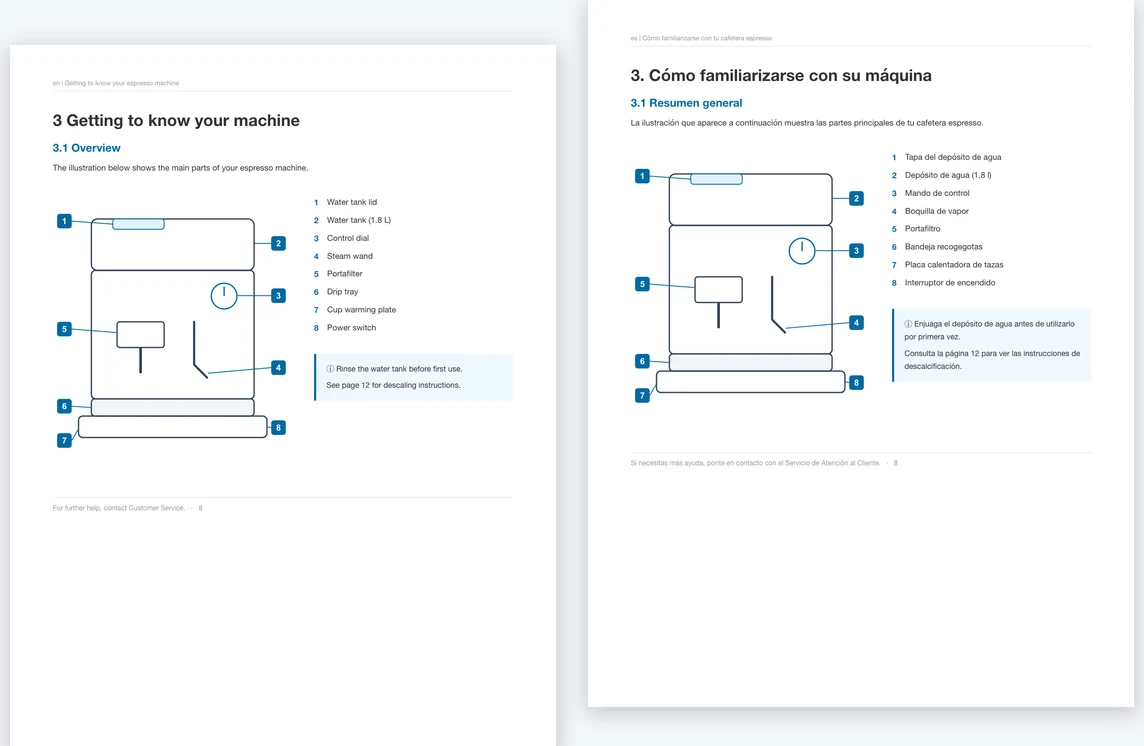
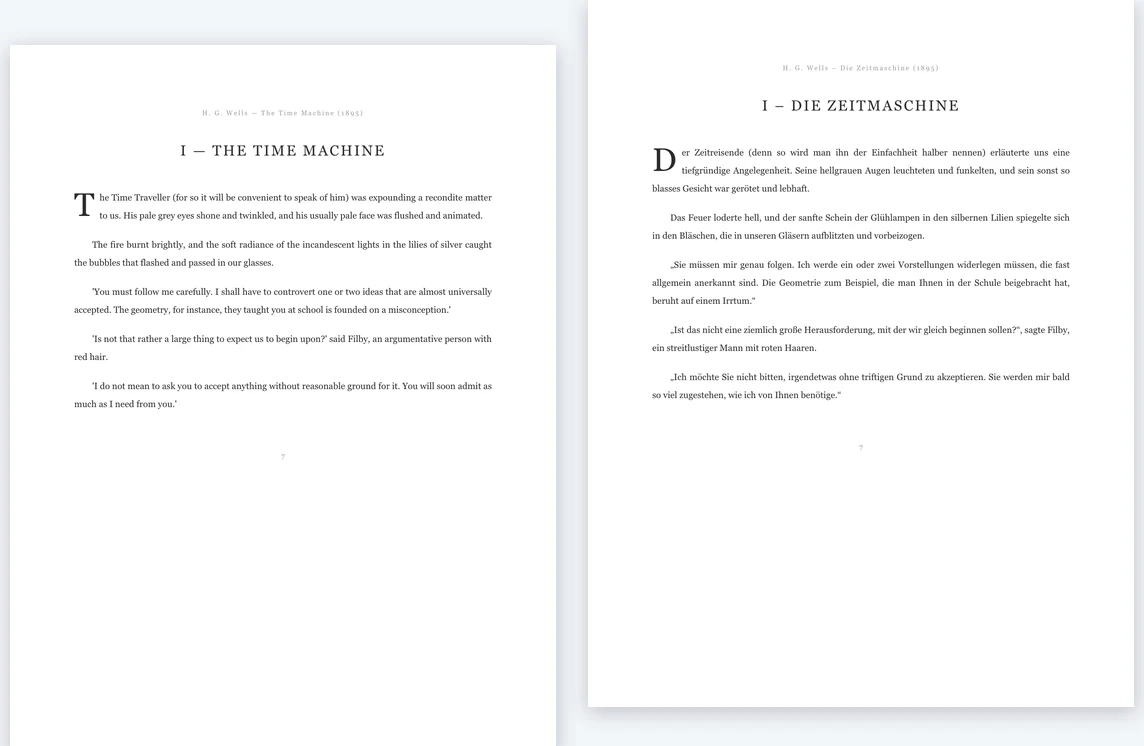
Translate a text-based PDF to Chinese (Simplified) and keep its layout: fonts, tables and images stay where they are. The first 3 pages each day are free with no account; after that, credit packs cost $3 for 40 Fast pages or $10 for 200, with no subscription.
- ✓ Layout preserved
- ✓ Deleted within 24 hours
Accurate translation, Perfect formatting
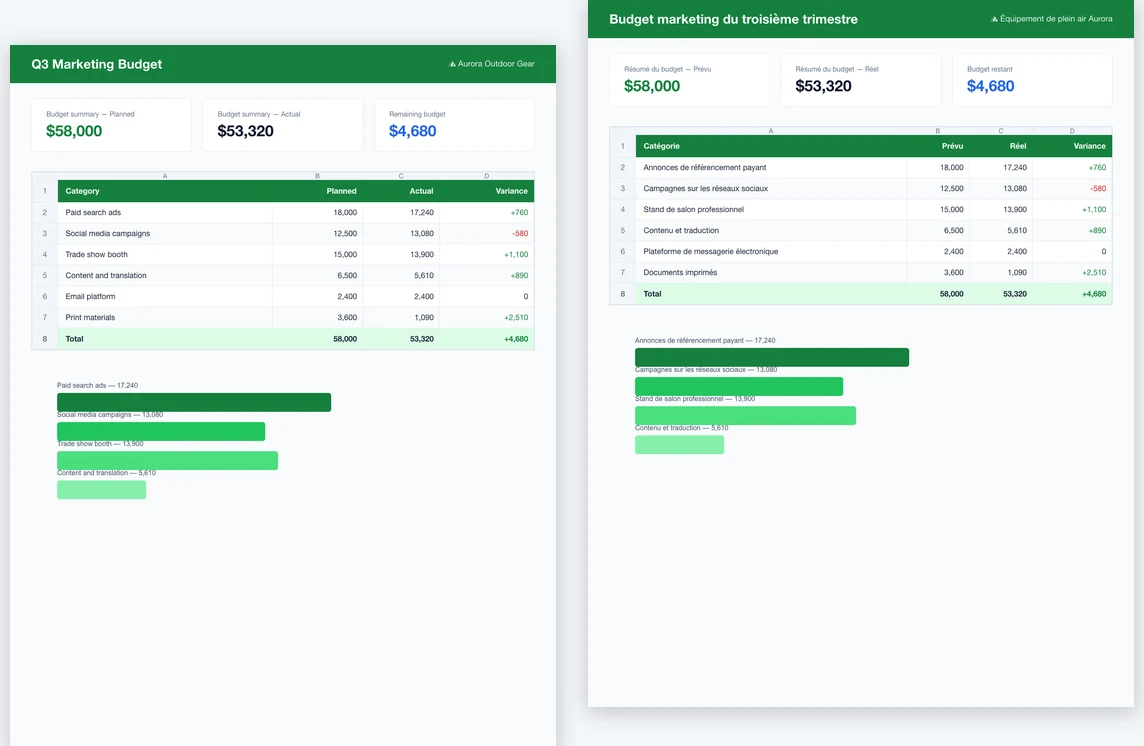
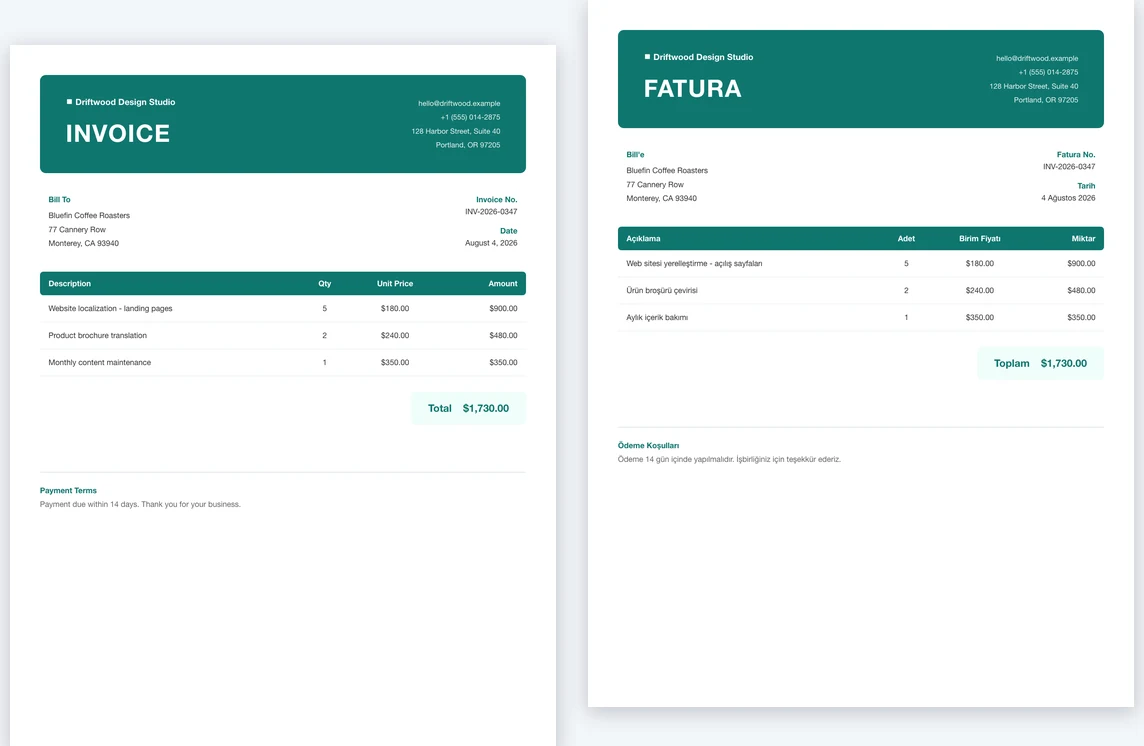
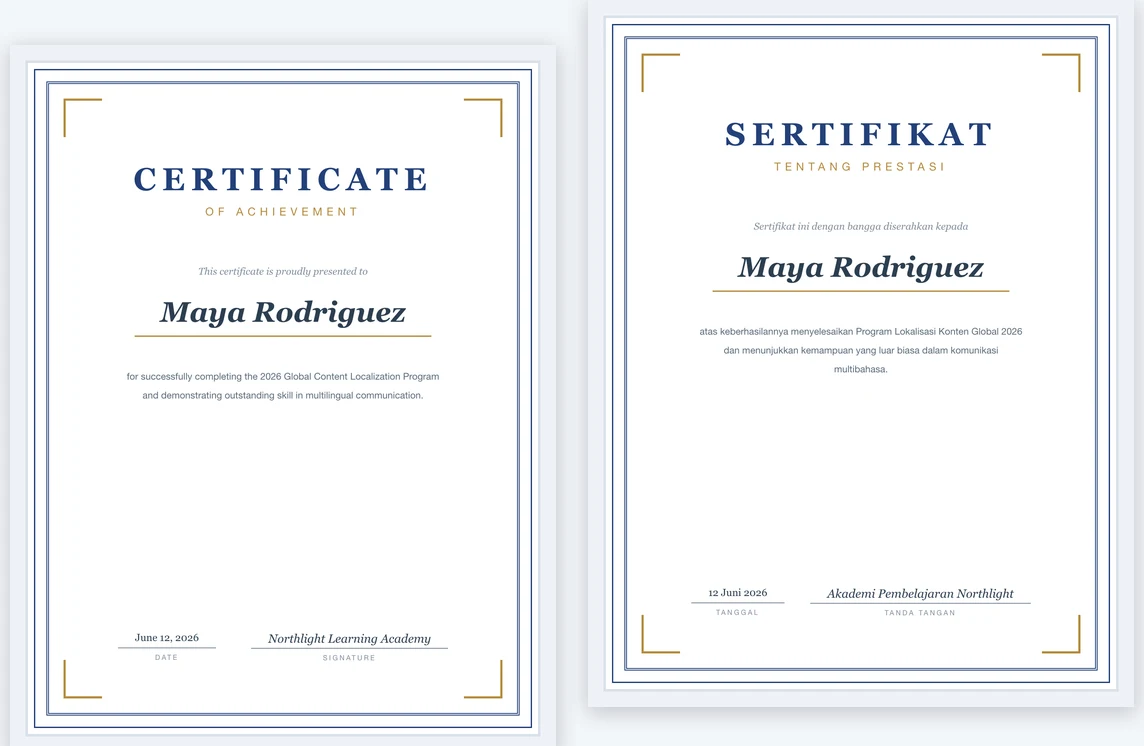
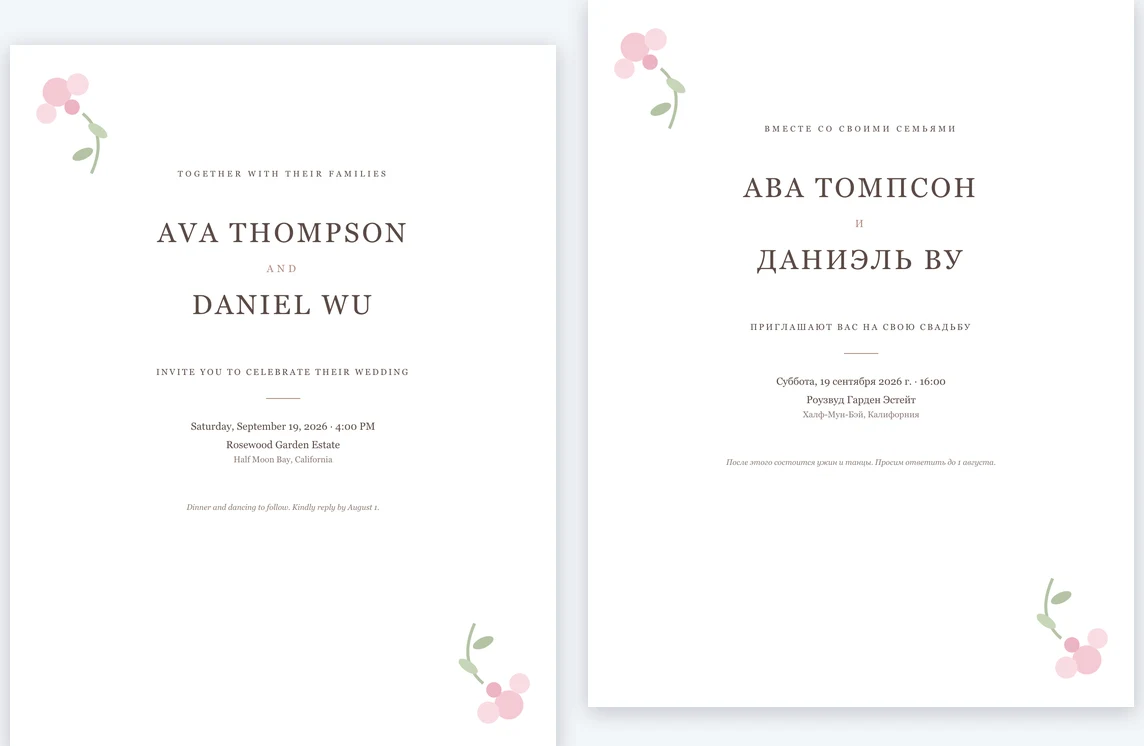
How to translate a PDF to Chinese (Simplified)
Upload your PDF
Drop a text-based PDF of up to 200 pages and 50 MB. Scanned or image-only PDFs aren't supported.
Keep Chinese (Simplified) as the output
Chinese (Simplified) is already selected. Pick Fast or Standard quality.
Check the free pages, then translate the rest
Your free pages for today translate first so you can check the result. The price of the whole file is shown before you pay, and you download a Chinese (Simplified) PDF with the original layout.
What this supports today
Exact capabilities, stated plainly — no fine print. The pipeline is open source, so you can hold us to it.
| Input | Output languages | Reads scans/photos (OCR) | What survives |
|---|---|---|---|
| ✓ PDF (with a text layer) | English, Simplified Chinese, Traditional Chinese, Japanese, Korean, Spanish, Portuguese, Turkish, Russian or Ukrainian (academic paper mode: Simplified Chinese) | No | Page layout, figures and tables stay in place; academic paper mode also keeps equations and referencesThe PDF pipeline translates the text layer — it does not read scanned pages. |
| ✗ Scanned PDF (image-only, no text layer) | — | — | —Not supported yet. Export the pages as PNG/JPG and use image translation, which does include OCR. |
Break Document Language Barriers
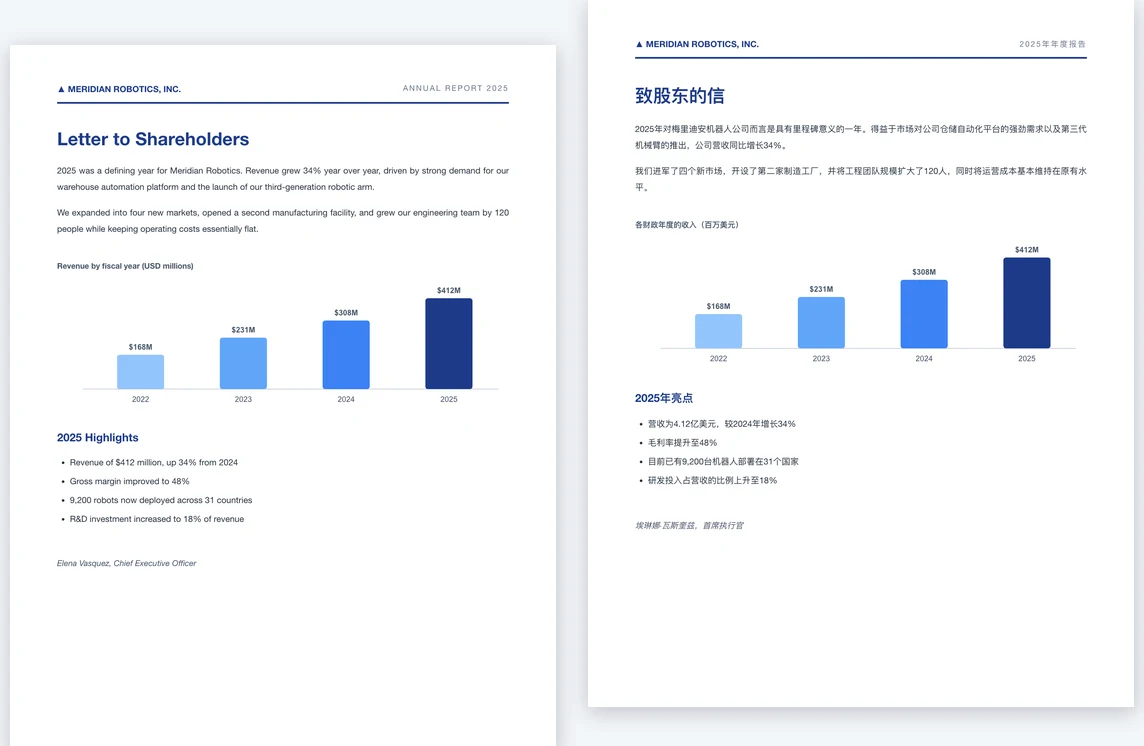
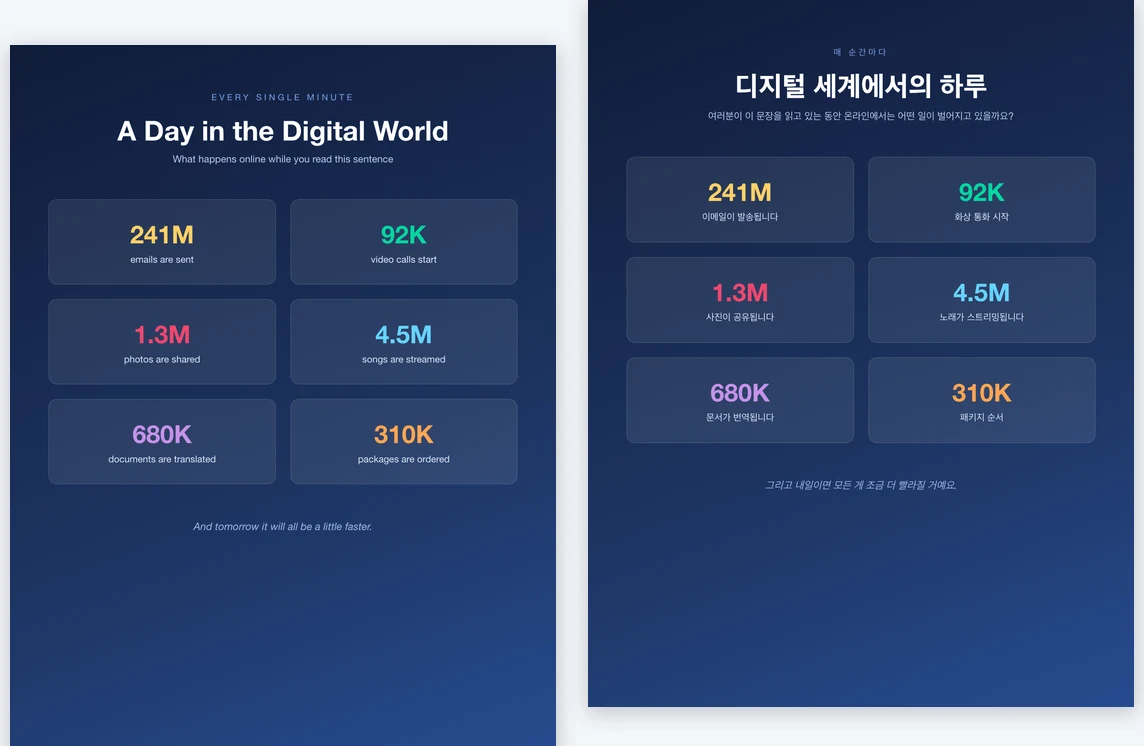
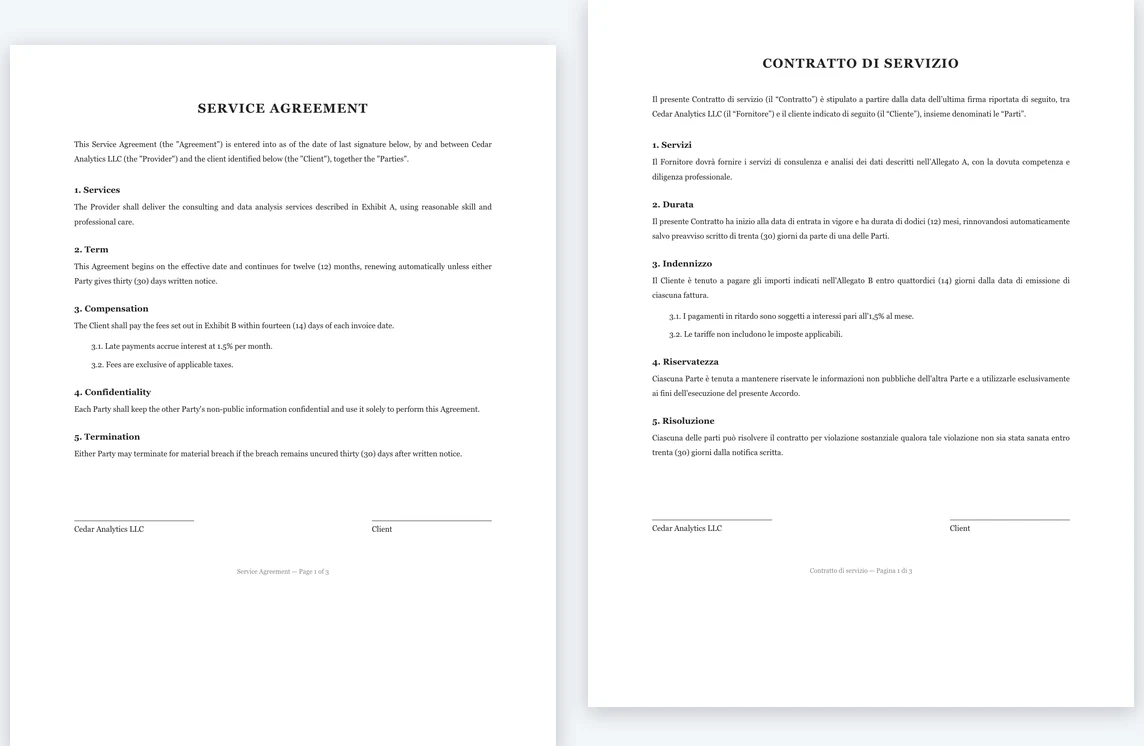
Preserve Original Formatting
Fonts, colors, tables, and page layout stay intact. You get a translated PDF that keeps the pages of the original.
Advanced Translation Mode
Built for business and academic documents. Accurately handles technical terms and understands context, ensuring precision where it matters most.
Text-Based PDFs Only
This translator reads a PDF's text layer, so scanned or image-only PDFs are turned away. Export those pages as images and use the OCR image translator on the main site.
10 Output Languages
From almost any source language — pick the output language above the Translate button. Academic paper mode is the exception: it outputs Simplified Chinese only. For other languages, or for Word and PowerPoint files, use the main translator.
PDF In, PDF Out
Upload a PDF and get a PDF back with the layout intact. Word, PowerPoint, Excel and plain-text files are translated on the main site instead.
Fast or Standard quality
Fast is quick machine translation for drafts. Standard uses an AI model that reads each passage in context, so the result sounds more natural. Pick one per file; if a translation fails, the credits or pages it used come back.
Frequently asked questions
Everything you need to know
How do I translate a PDF to Chinese (Simplified) for free?
Upload the PDF above with Chinese (Simplified) selected. The first 3 pages each day translate free, with no sign-up, and you download them as a PDF with the original layout.
How much does it cost to translate a whole PDF to Chinese (Simplified)?
Buy a credit pack with no account: $3 covers about 40 Fast or 20 Standard pages, $10 about 200 Fast pages. Credits a file doesn't use stay for the next one. There is no subscription.
Will the translated Chinese (Simplified) PDF keep the original formatting?
Yes. Text is replaced in place, so fonts, colours, tables, images and page layout stay as they were.
Can I translate a scanned PDF?
No. The translator reads the PDF's text layer, so scanned or image-only PDFs are turned away. Export those pages as images and use an image translator instead.
Simplified or Traditional Chinese?
This page translates to Simplified Chinese. For Traditional Chinese, choose it in the output list before you upload.
What is OpenImmersive Translator · PDF?
OpenImmersive Translator · PDF translates a PDF while keeping the original layout, in one of two modes. Document mode, for reports, manuals and contracts, outputs English, Simplified Chinese, Traditional Chinese, Japanese, Korean, Spanish, Portuguese, Turkish, Russian or Ukrainian for PDFs of up to 200 pages. Academic paper mode keeps equations, figures and references where the author put them and outputs Simplified Chinese for papers of up to 40 pages.
Can I translate a PDF to English?
Yes. Choose English under "Translate into" and upload the PDF. The source language is detected for you — Chinese, Japanese, Spanish, French, German and many more — and the English PDF keeps the original layout. If the document is already in English, nothing is charged and you are asked to pick another output language.
What document formats can you translate?
Here, PDF and EPUB. A PDF comes back as a PDF; an EPUB comes back as a bilingual EPUB, with the translation under each paragraph. Word (DOCX), PowerPoint (PPTX), Excel (XLSX), TXT, Markdown and SRT files are translated on the main OpenImmersive Translator site, which also covers every target language.
What payment methods are available?
For PDFs, buy a credit pack: $3 for 200 credits (about 40 Fast or 20 Standard pages) or $10 for 1,000 credits (about 200 Fast or 100 Standard pages). Credits this file doesn't use stay for your next one. Neither requires an account. Stripe Checkout collects your email for the receipt, credit code and translation link. Free pages and existing balances are deducted first. Old page vouchers remain valid.
Is my payment information secure?
Your transactions and payment details are securely handled by our payment provider using advanced encryption technology and strict adherence to banking industry standards. Your credit card information is sent directly to the bank, and OpenImmersive Translator does not access or store any payment information, ensuring your payment security.
Is OpenImmersive Translator · PDF free?
The first 3 pages a day are free. Existing plan pages, voucher balance and account credits are applied before payment. A PDF page uses 5 credits on Fast or 10 on Standard. You can pay for an uncovered PDF remainder without registering. Eligible new accounts receive 30 credits usable across the site. Guest credit codes are for documents; verify your email to transfer their remaining balance into an account.
Where is my translated file?
For paid PDFs, the receipt and private order link are emailed to the address collected at Stripe Checkout. A download link is emailed when translation finishes, even if you close the page. The file and link expire no later than 24 hours after upload; payment and email delivery do not extend this deadline. Free translations can be downloaded from their result page.
Do students get education discounts?
Yes. If you're a student or teacher with an edu email, write to hello@openimmersive.ai and ask about an education discount.
Do you offer discounts to non-profits?
Yes, we offer significant discounts for non-profit organizations. Please contact us at hello@openimmersive.ai
Are payments refundable?
If a single-file PDF translation fails, its payment is refunded and reserved balances are returned. If a credit-pack-funded translation fails, consumed credits are returned to the code and the purchased pack remains available. Other refunds are subject to applicable law.
Something we didn't cover? We're happy to have feedback.