PDF Translator — Keep the Layout, Translate into 8 Languages
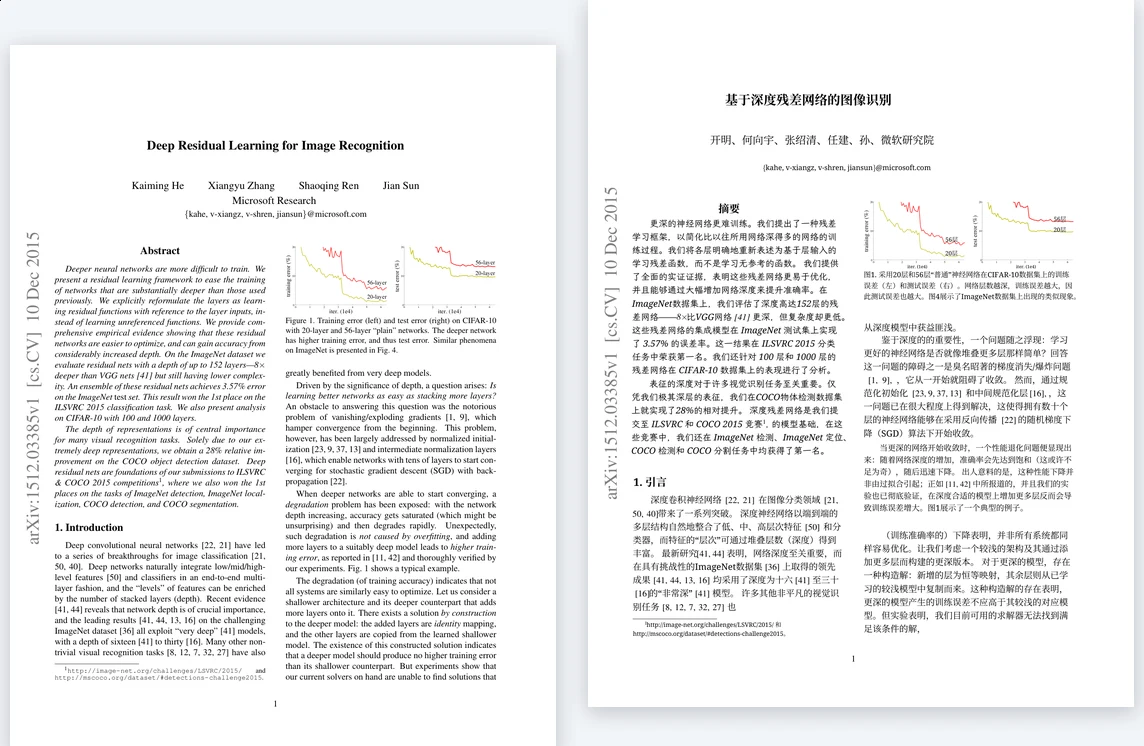
Upload a PDF and get it back in English, Simplified Chinese, Traditional Chinese, Japanese, Korean, Spanish, Portuguese or Turkish with the page layout intact. For research papers, Academic paper mode keeps equations, figures and references in place and outputs Simplified Chinese.
- ✓ Layout preserved
- ✓ Deleted within 24 hours
Accurate translation, Perfect formatting
How to Translate Documents?
Upload your document
Upload your document by selecting it or dragging it onto the page.
Pick the output language
Pick your output language and Fast or Standard quality. For PDFs, free pages and existing balances apply first. Pay for this file or buy credits without registering; enter an existing code if you have one.
Get translated document
Get your translated document as a download with original formatting preserved.
Break Document Language Barriers
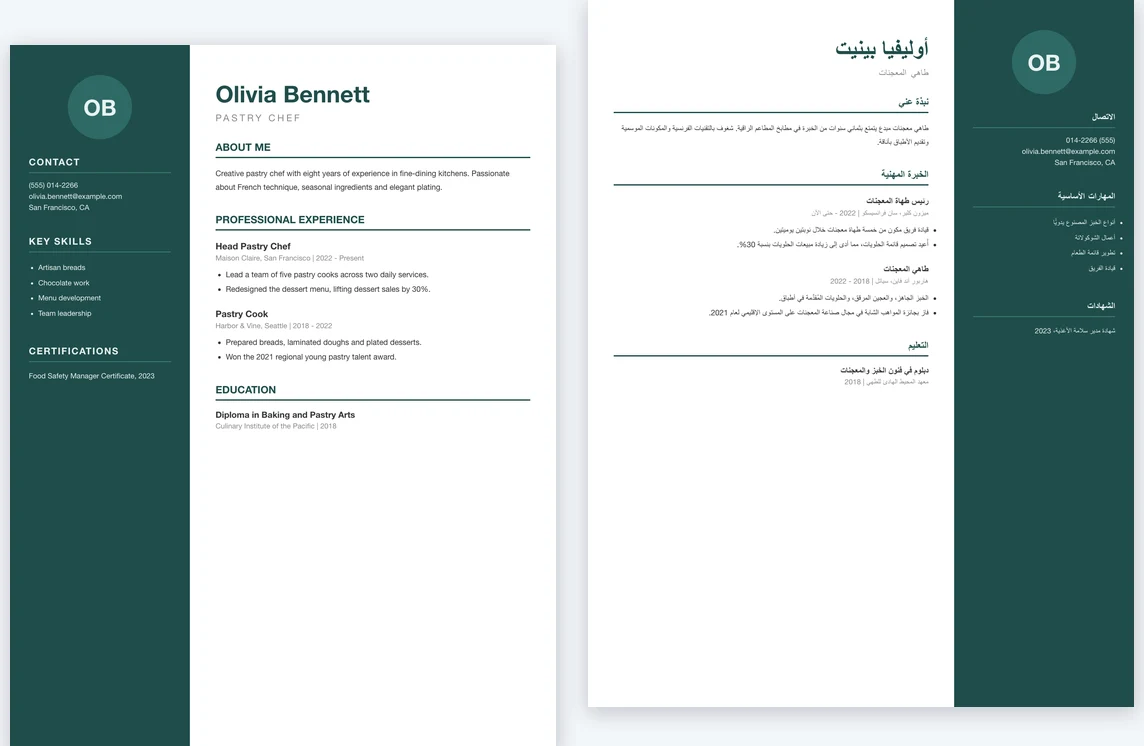
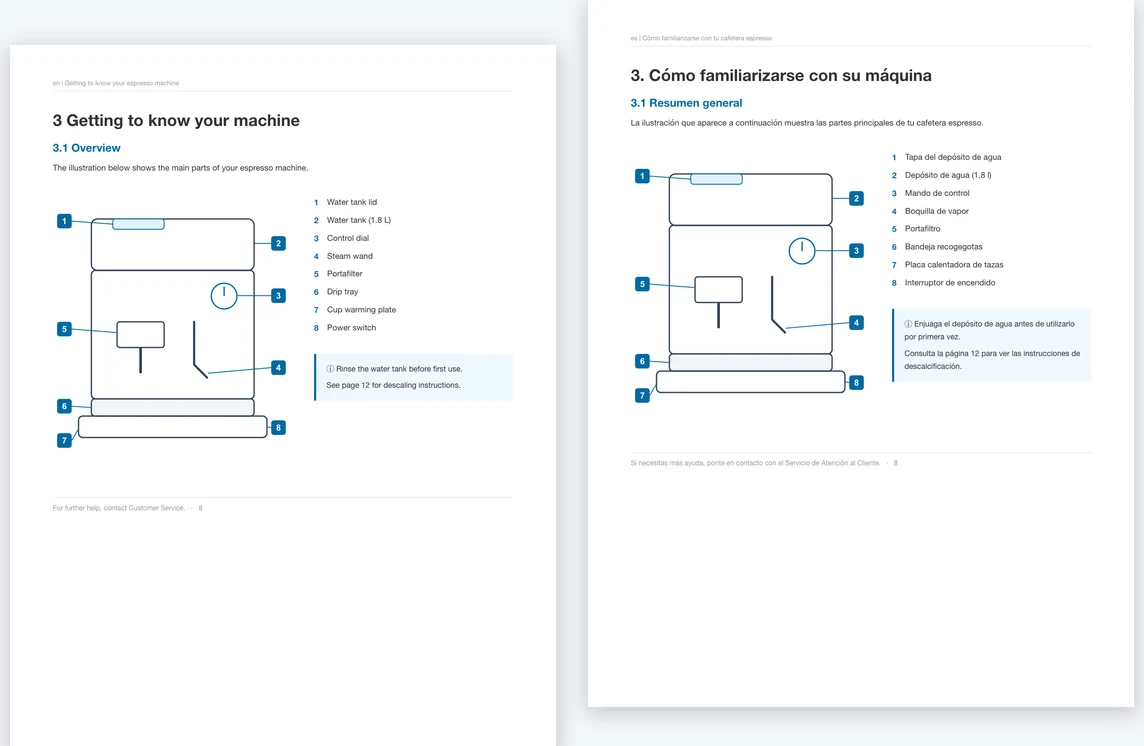
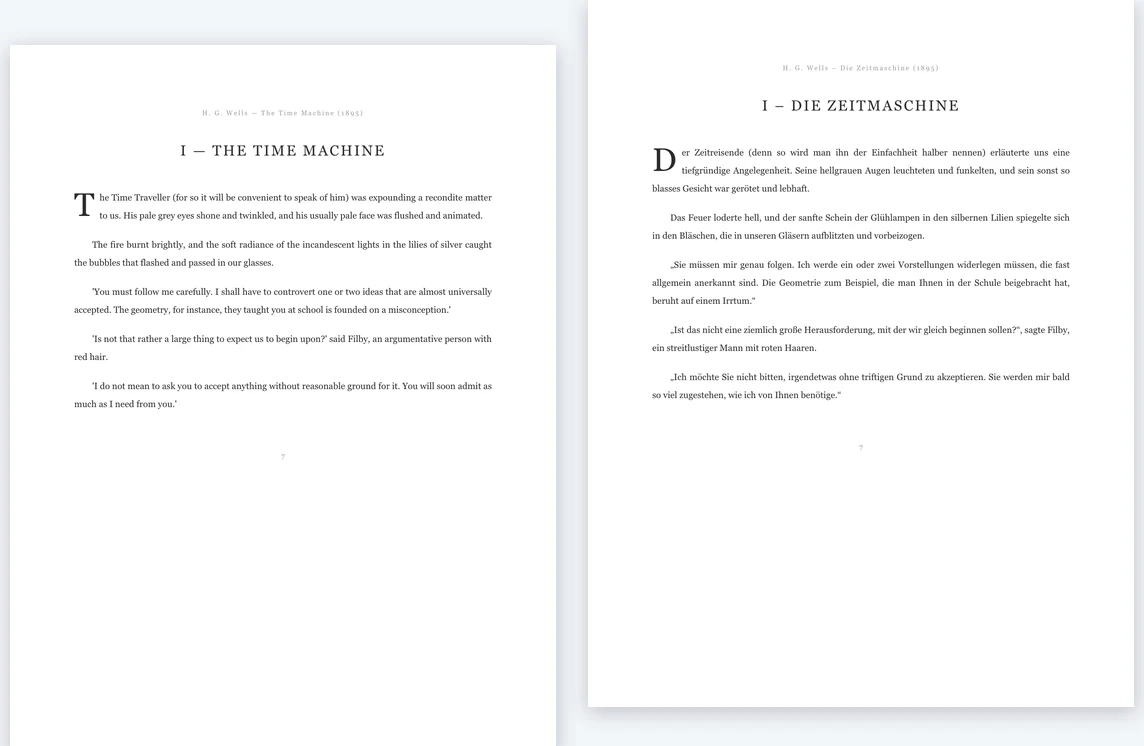
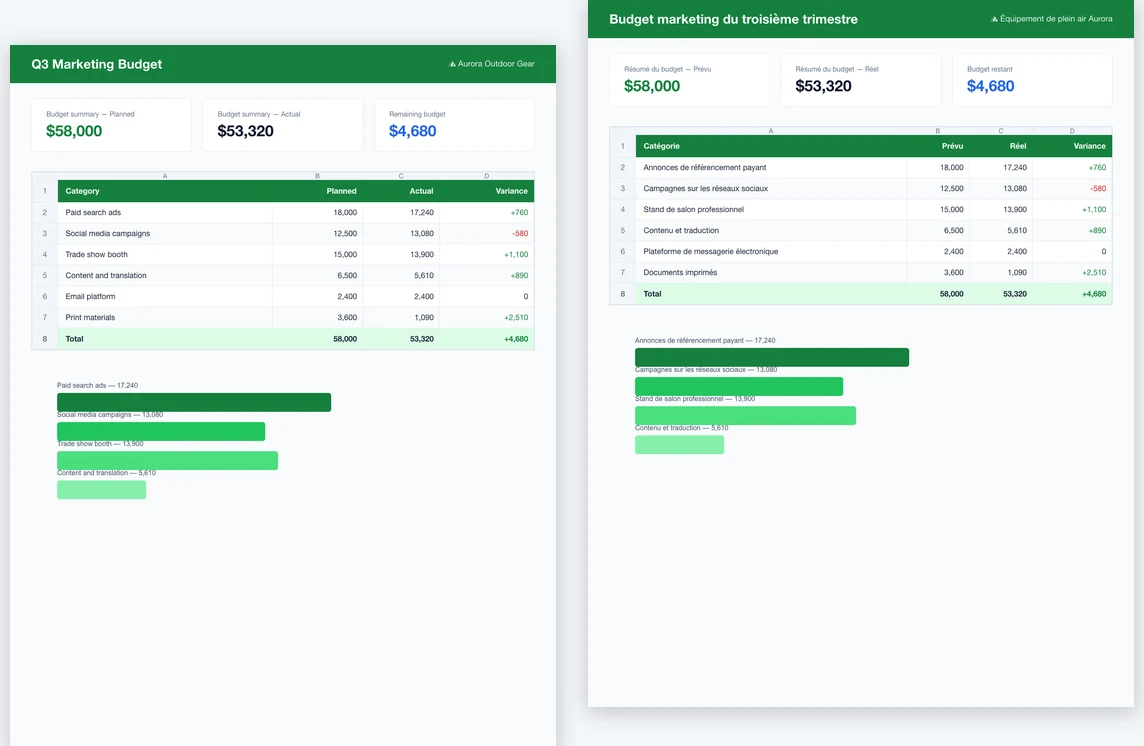
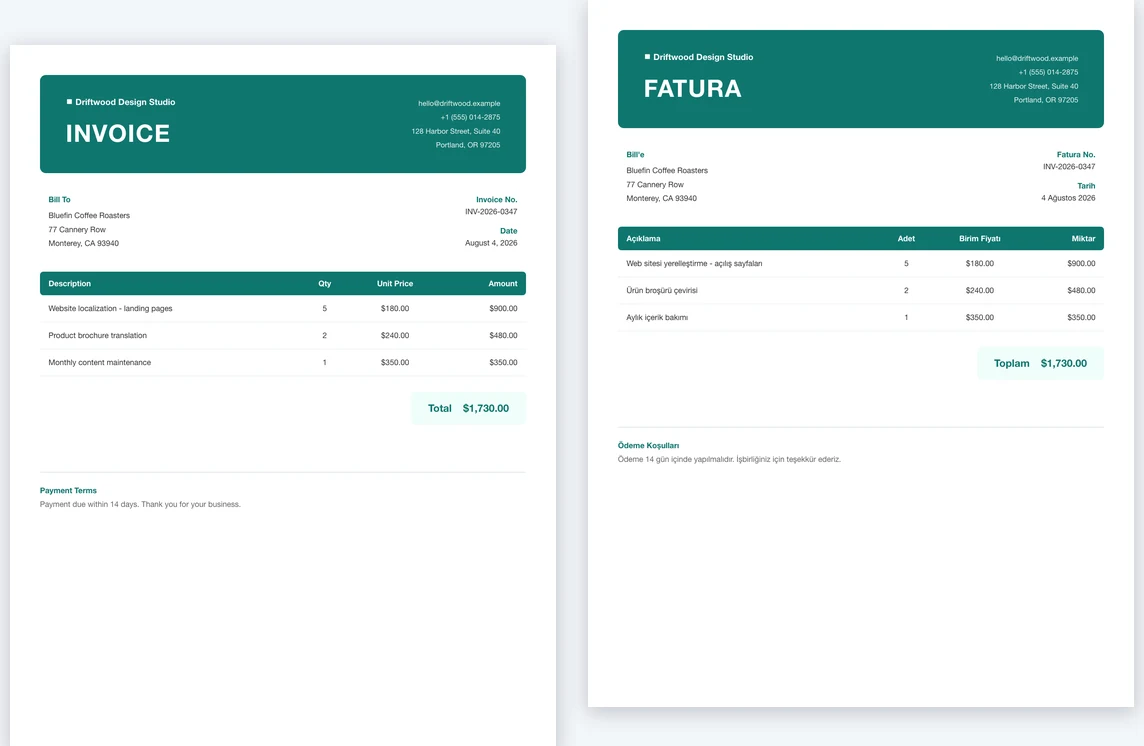
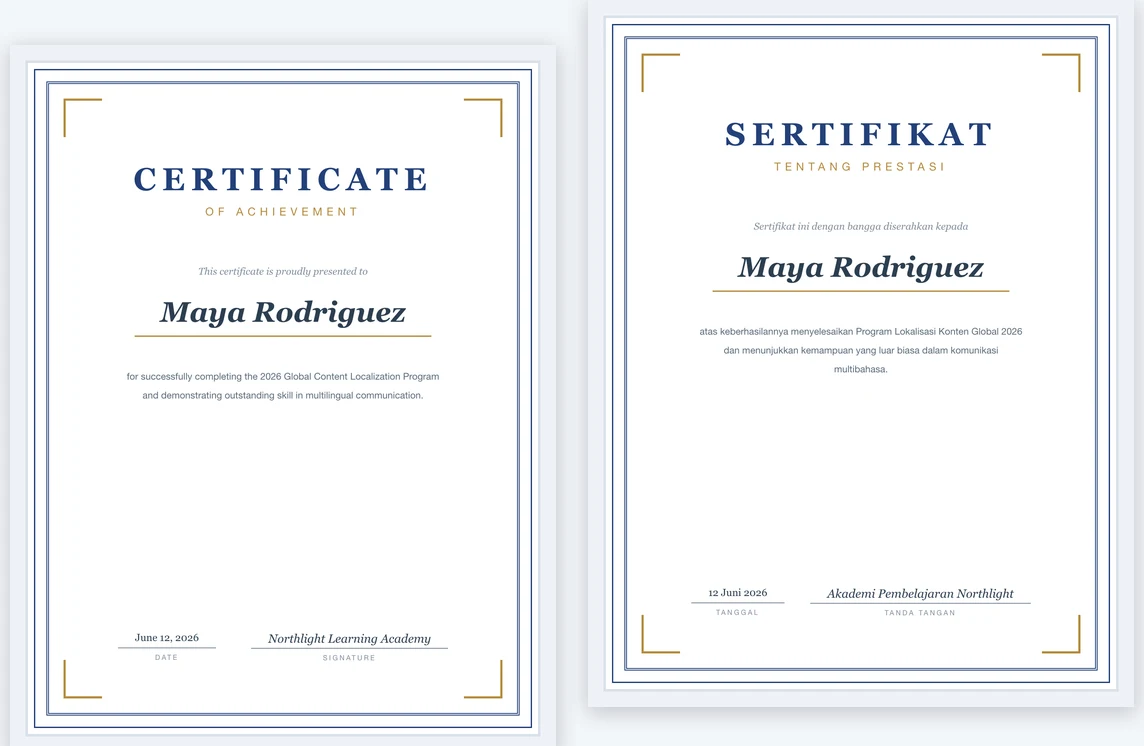
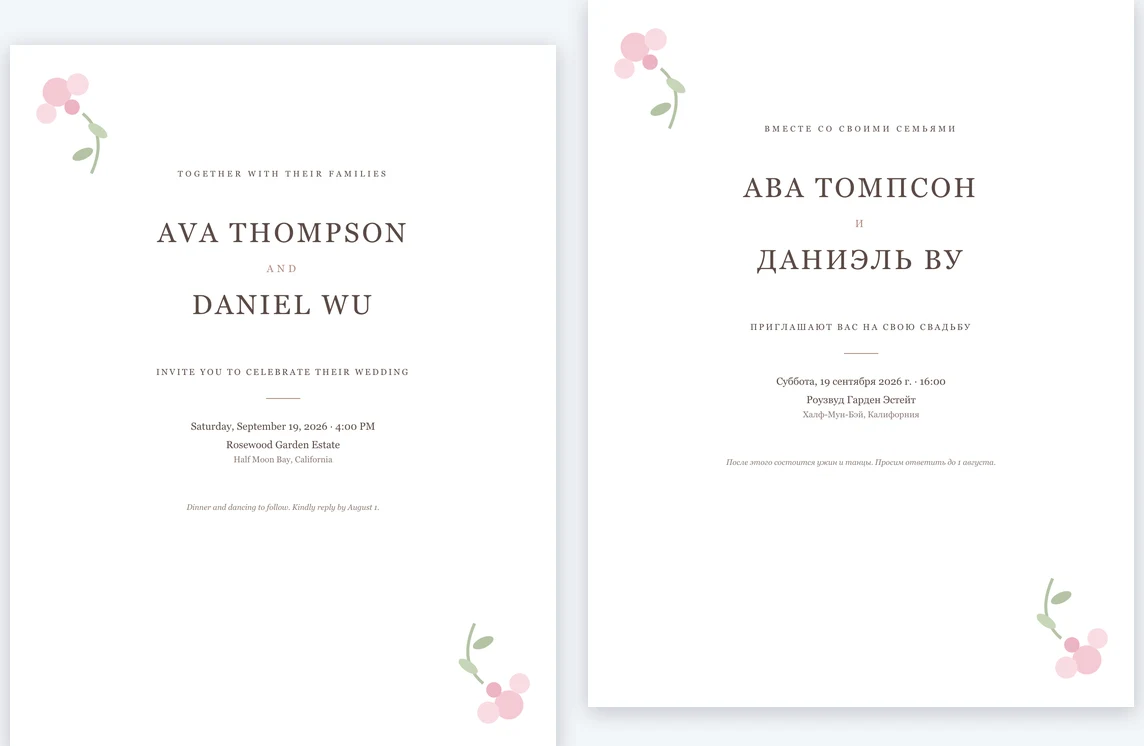
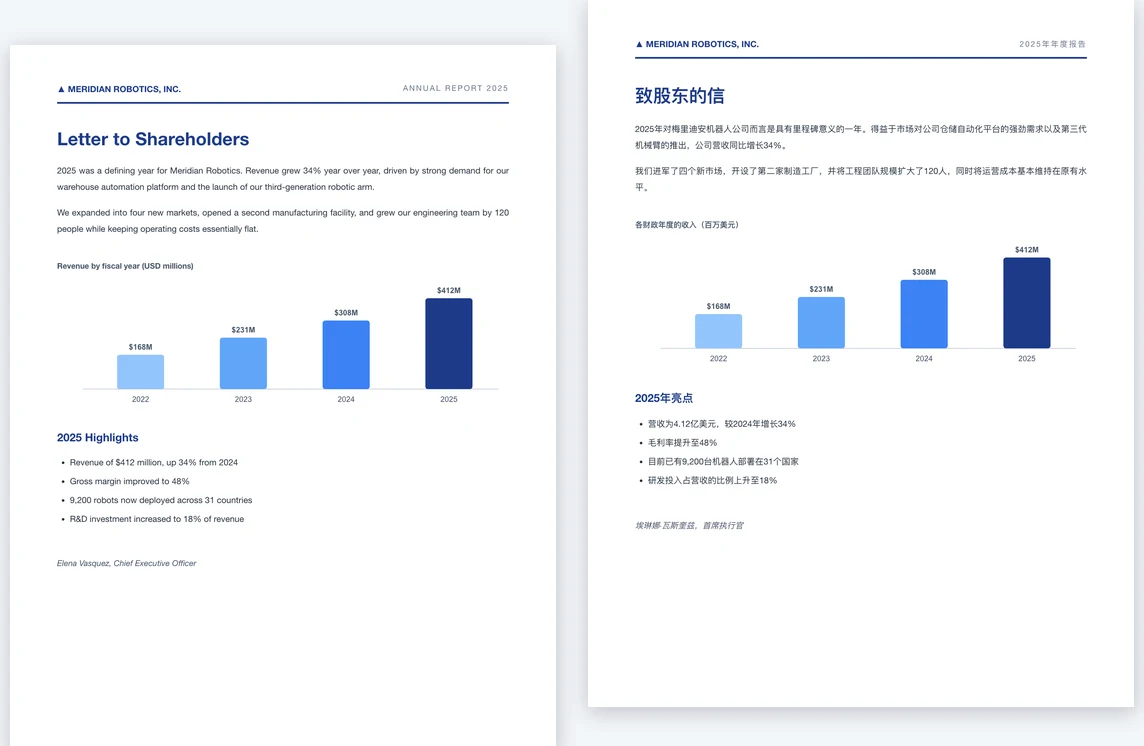
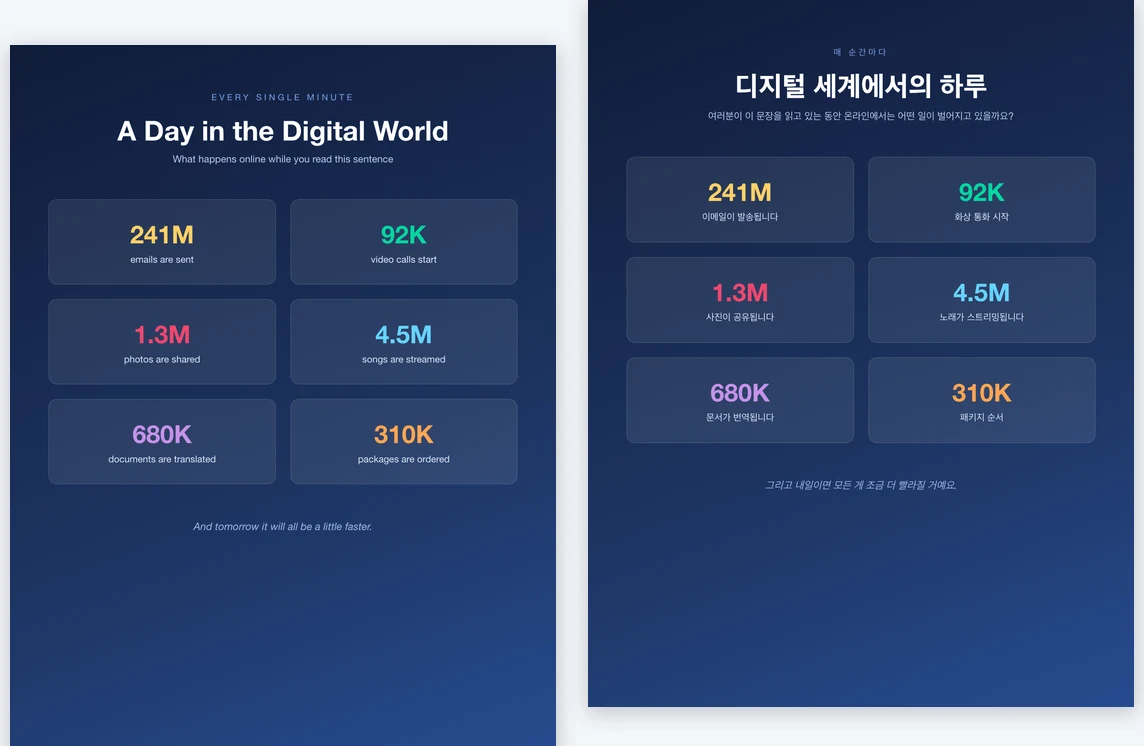
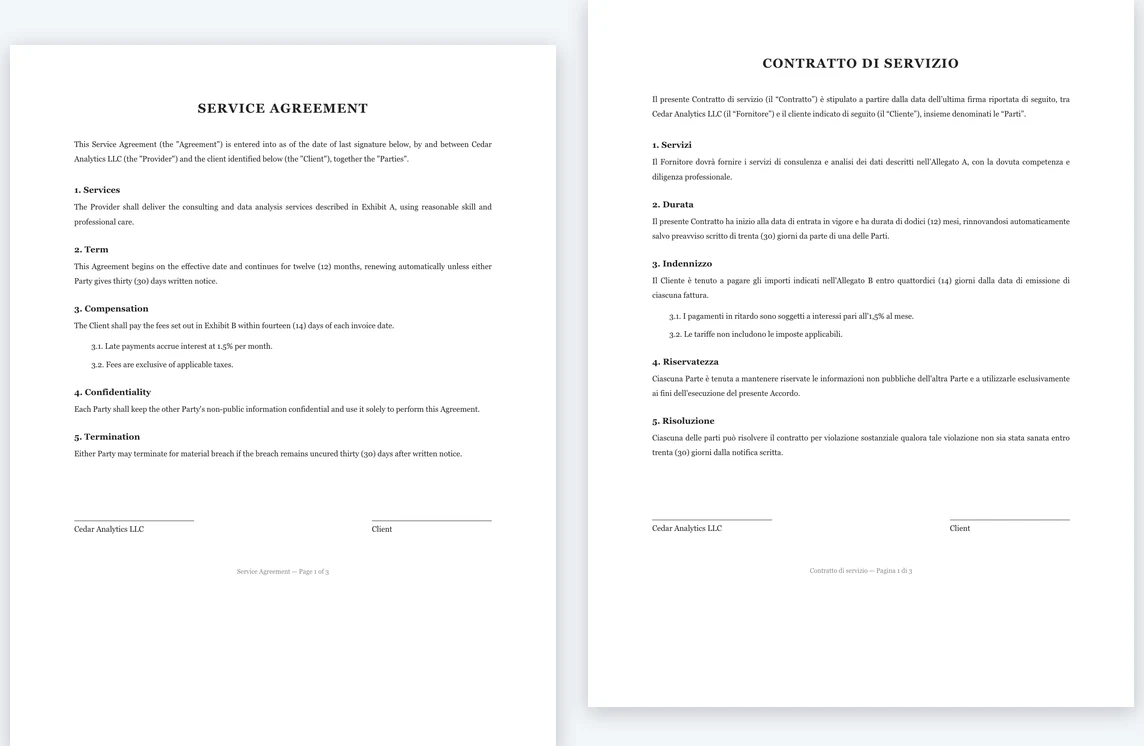
Preserve Original Formatting
Fonts, colors, tables, and page layout stay intact. You get a translated PDF that keeps the pages of the original.
Advanced Translation Mode
Built for business and academic documents. Accurately handles technical terms and understands context, ensuring precision where it matters most.
Text-Based PDFs Only
This translator reads a PDF's text layer, so scanned or image-only PDFs are turned away. Export those pages as images and use the OCR image translator on the main site.
8 Output Languages
From almost any source language — pick the output language above the Translate button. Academic paper mode is the exception: it outputs Simplified Chinese only. For other languages, or for Word and PowerPoint files, use the main translator.
PDF In, PDF Out
Upload a PDF and get a PDF back with the layout intact. Word, PowerPoint, Excel and plain-text files are translated on the main site instead.
Fast or Standard quality
Fast is quick machine translation for drafts. Standard uses an AI model that reads each passage in context, so the result sounds more natural. Pick one per file; if a translation fails, the credits or pages it used come back.
Frequently asked questions
What is OpenImmersive Translator · PDF?
OpenImmersive Translator · PDF translates a PDF while keeping the original layout, in one of two modes. Document mode, for reports, manuals and contracts, outputs English, Simplified Chinese, Traditional Chinese, Japanese, Korean, Spanish, Portuguese or Turkish for PDFs of up to 200 pages. Academic paper mode keeps equations, figures and references where the author put them and outputs Simplified Chinese for papers of up to 40 pages.
Can I translate a PDF to English?
Yes. Choose English under "Translate into" and upload the PDF. The source language is detected for you — Chinese, Japanese, Spanish, French, German and many more — and the English PDF keeps the original layout. If the document is already in English, nothing is charged and you are asked to pick another output language.
What document formats can you translate?
Here, PDF and EPUB. A PDF comes back as a PDF; an EPUB comes back as a bilingual EPUB, with the translation under each paragraph. Word (DOCX), PowerPoint (PPTX), Excel (XLSX), TXT, Markdown and SRT files are translated on the main OpenImmersive Translator site, which also covers every target language.
What payment methods are available?
For PDFs, pay for this file at Fast $0.10/page or Standard $0.20/page, minimum $3 on the unpaid remainder, or buy $10/1,000 credits (about 200 Fast or 100 Standard pages). Neither requires an account. Stripe Checkout collects your email for the receipt, credit code and translation link. Free pages and existing balances are deducted first. Old page vouchers remain valid; new page packs are no longer offered for PDFs.
Is my payment information secure?
Your transactions and payment details are securely handled by our payment provider using advanced encryption technology and strict adherence to banking industry standards. Your credit card information is sent directly to the bank, and OpenImmersive Translator does not access or store any payment information, ensuring your payment security.
Is OpenImmersive Translator · PDF free?
The first 3 pages a day are free. Existing plan pages, voucher balance and account credits are applied before payment. A PDF page uses 5 credits on Fast or 10 on Standard. You can pay for an uncovered PDF remainder without registering. Registration grants 100 credits usable across the site. Guest credit codes are for documents; verify your email to transfer their remaining balance into an account.
Where is my translated file?
For paid PDFs, the receipt and private order link are emailed to the address collected at Stripe Checkout. A download link is emailed when translation finishes, even if you close the page. The file and link expire no later than 24 hours after upload; payment and email delivery do not extend this deadline. Free translations can be downloaded from their result page.
Do students get education discounts?
Yes. If you're a student or teacher with an edu email, write to hello@openimmersive.ai and ask about an education discount.
Do you offer discounts to non-profits?
Yes, we offer significant discounts for non-profit organizations. Please contact us at hello@openimmersive.ai
Are payments refundable?
If a single-file PDF translation fails, its payment is refunded and reserved balances are returned. If a credit-pack-funded translation fails, consumed credits are returned to the code and the purchased pack remains available. Other refunds are subject to applicable law.
Something we didn't cover? We're happy to have feedback.